Purchasing Gateway Voyage Online in the Expand App
Gateway Voyage Online is available for purchase directly inside the Expand app. Follow the steps below to find the offer and complete your enrollment.
Before you begin
Make sure you are signed in to the Expand app with the account you'd like the course added to, and that you're running the latest version of the app.
Step-by-step
- Open the Expand app and go to the Home screen.
- Scroll down about halfway down the Home page. You'll see the Gateway Voyage Online offer.
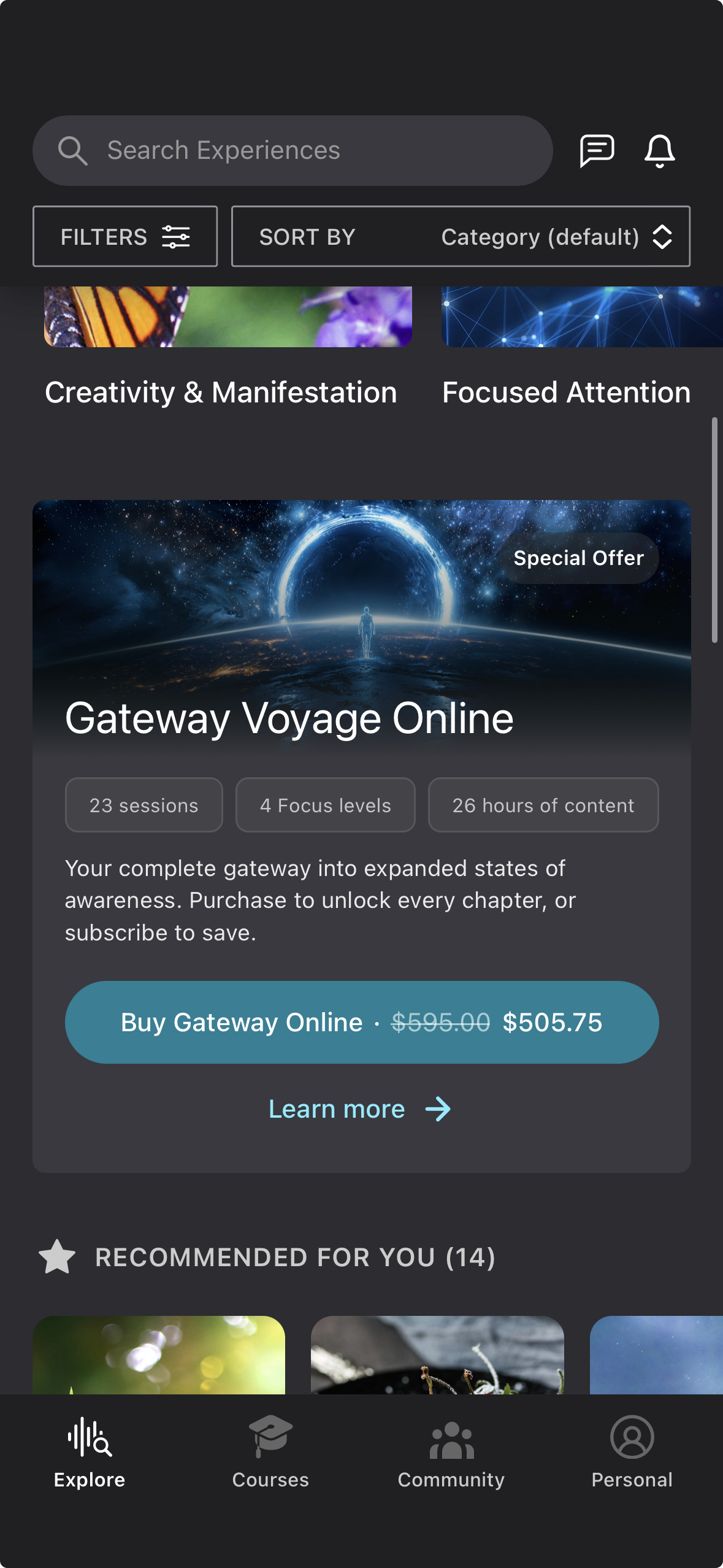
- Tap the button on the offer to continue.
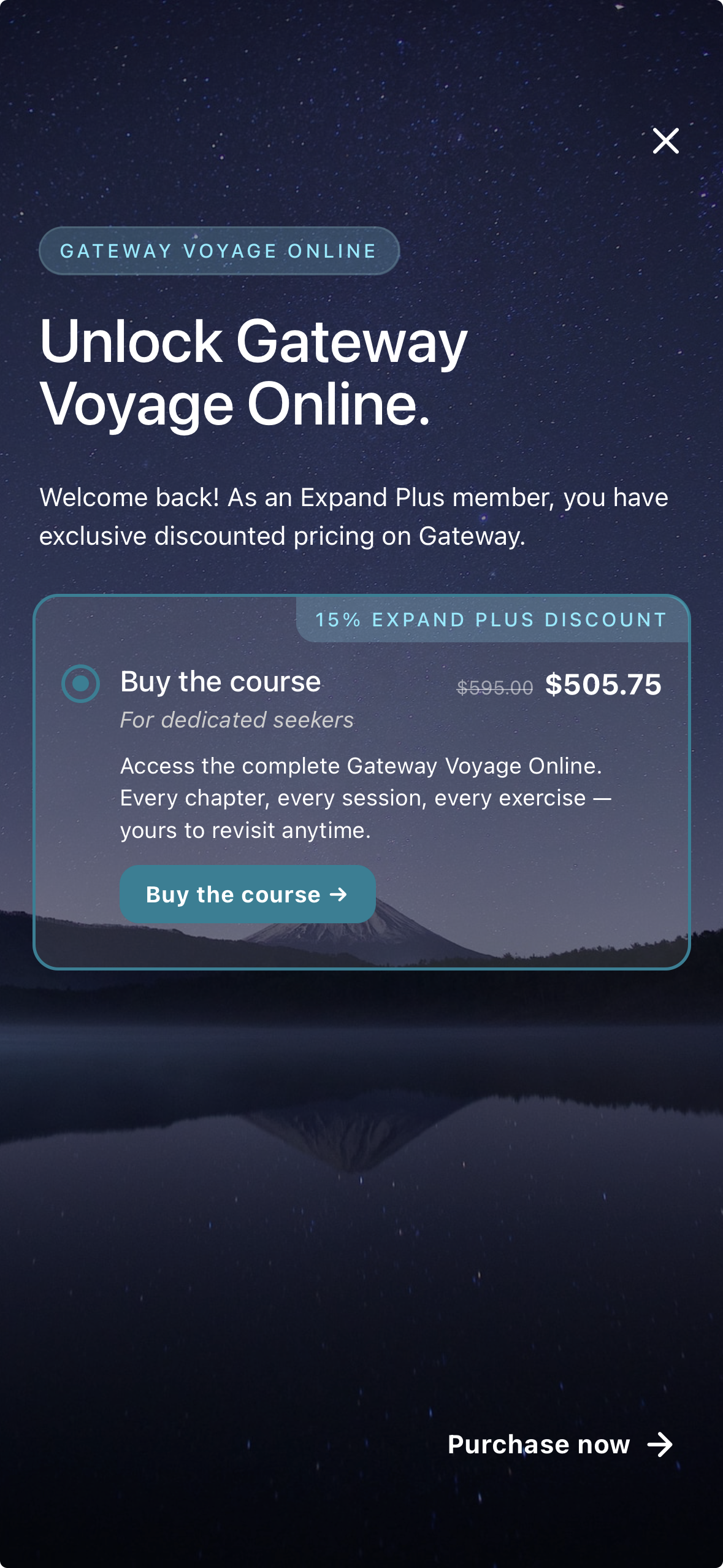
- Complete the purchase using your device's standard payment process.
Once the payment is confirmed, Gateway Voyage Online will be added to your account and ready to begin.
Need help?
If the offer doesn't appear on your Home page, or the purchase doesn't complete, close and reopen the app to refresh, then try again. If you're still running into trouble, reply to this article or reach out to our support team and we'll be glad to help.
Was this article helpful?
That’s Great!
Thank you for your feedback
Sorry! We couldn't be helpful
Thank you for your feedback
Feedback sent
We appreciate your effort and will try to fix the article